
Category: Using Reaper

Record and Monitor in Reaper

ReaperTutorials

How to turn Monitor Record on in Reaper To hear what you are playing through your software VST fx in Reaper, you will need to arm your track to record and then engage the monitor option. In the image below next to the ARMED red button, we have a small speaker outline. This indicates that […]
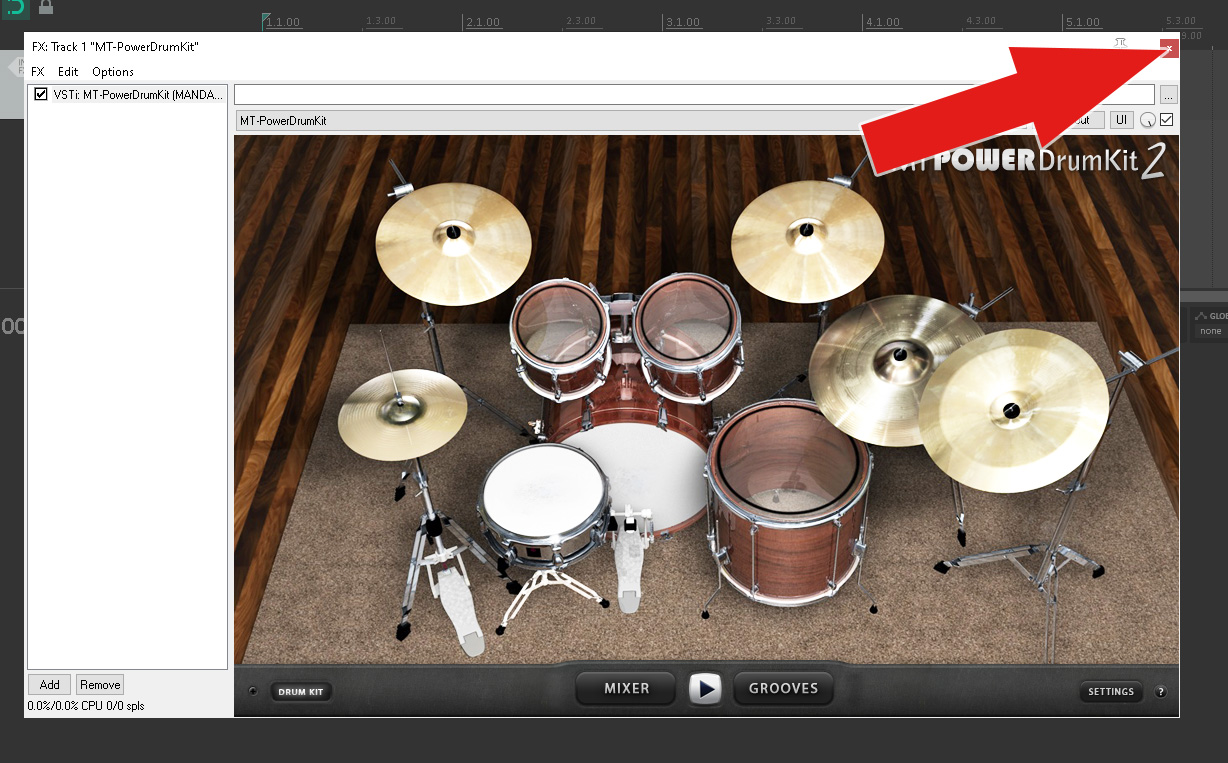
MT Power Drum Kit 2 in Reaper Articles

MT Power Drum Kit 2 in REAPER The following videos and articles are tutorials on how to create drum tracks in Reaper using MT Power Drum Kit – the Video below deals with using the in built midi files in MT Power Drum Kit the articles deal with using midi and piano roll. MT Power […]

Consolidate or Share Reaper Project

Sharing a Reaper Project: You will need three things to start. Winrar – Download here click blue button to download. Somewhere memorable to save – ie Desktop – we need to locate this file so that we can email it. If you have VST instruments you that the other person doesn’t have you will need […]

3rd Party Reaper Add Ons: Tale’s JSFX Pack

https://www.taletn.com/reaper/mono_synth/ Tale’s JSFX Pack This is my homebrew collection of free, hackable JSFX audio/MIDI plug-ins and libraries for REAPER v4.25+. Tale’s JSFX Pack includes these JSFX plug-ins: ab_mono: A/B two mono channels. colored_noise: Colored noise generator. drum_synth: Simple drum synth (GM compatible, although incomplete). midi_sustain: MIDI sustain emulator. midi_vibrato: MIDI vibrato via Pitch Bend. mono_synth: Simple mono/poly synth. poly_mono_midi_router: […]

Reaper:Piano Roll:

Reaper: Insert VST and New Midi Item Before we start let’s add a vst instrument following the article above.       To enter a note we use the left click button – double left click the note that you want to enter by selecting the note: You can see the note on the vertical […]